


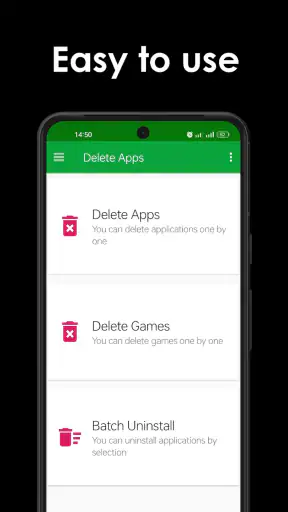
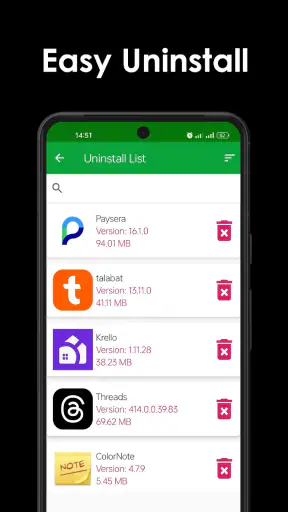
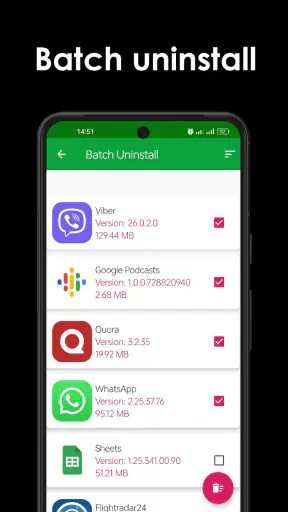
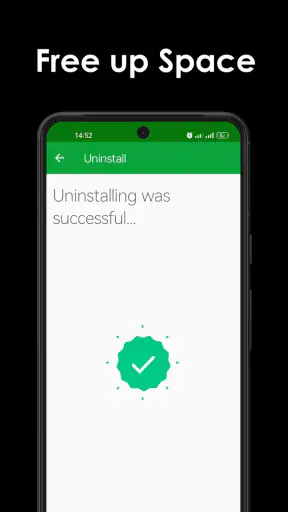
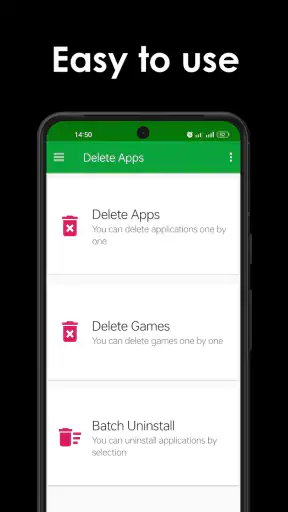
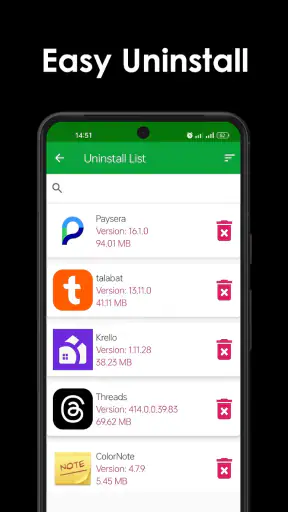
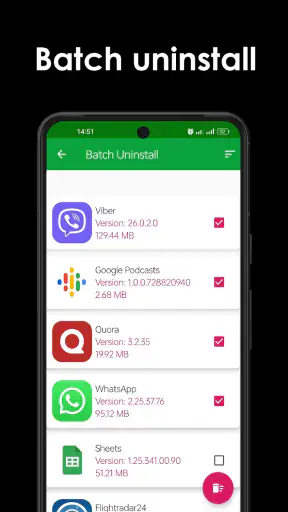
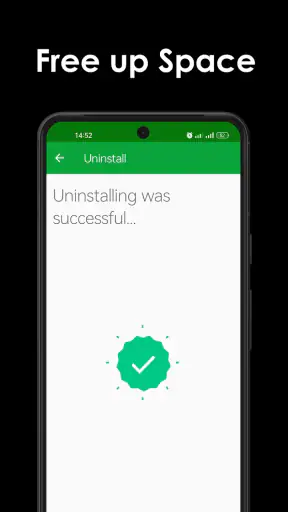
Removing an app sounds like a tiny task, but it becomes surprisingly annoying when an old phone is crowded with forgotten games, duplicate tools, and apps that have not been opened in months. Delete apps - Easy Uninstall is built for that exact cleanup job. I tested it as a practical Android utility rather than as something I would leave open every day, and my impression is straightforward: it makes app removal easier to organize, especially when the standard settings screen feels slow or cluttered.
This is a free tools app from DOSA Apps, rated for Everyone. It has reached more than a million installs and holds an average rating of 4.3 from roughly thirty-two thousand ratings, which suggests that its simple purpose is useful to a substantial group of Android users. The current version is 5.1.1, and it runs on Android 8.0 or later. Those details matter because this is not a phone-cleaning suite pretending to do everything; its identity is focused on uninstalling applications with less friction.
How the current version fits into everyday phone maintenance
The first thing I noticed is that the app is most useful when I want to see installed apps as a group instead of opening Android settings, entering the applications section, selecting one item, and repeating the process. That normal system route is perfectly safe, but it is not always comfortable for a long cleanup session. A dedicated removal screen gives the task a clearer starting point.
I would use it after a trip, a testing session, or a period when I have downloaded several temporary apps. In those situations, the problem is rarely knowing how to uninstall one application. The problem is remembering which ones are disposable. A separate list encourages a more deliberate review: I can look at the installed collection, identify apps I no longer recognize, and remove them one at a time instead of wandering through unrelated system menus.
The store summary presents the app as a one-click way to remove apps and clean out old ones. In practice, I would interpret that promise as a quicker workflow, not as magic automation. Android still controls the actual uninstall process, so the app should be viewed as a convenient organizer and launcher for removal rather than a replacement for the operating system.
That distinction is important for expectations. It does not turn every preinstalled package into something removable, and it should not be treated as a tool for bypassing Android restrictions. System components, manufacturer packages, and applications tied to device functions can remain protected. If your goal is deep debloating, this is not the right class of tool; you would need a more specialized approach, and that comes with greater risk.
A useful workflow for a crowded phone
My preferred routine is to begin with apps I installed for a single purpose: a parking app used on holiday, a shopping app tested once, or a game downloaded because a friend recommended it. I check the name carefully before removing anything, then work through the list rather than tapping impulsively. This small habit prevents the most common mistake with bulk cleanup tools: deleting something that is rarely opened but still needed.
Another practical tip is to clean in short passes. Instead of trying to remove everything in one sitting, I would first target obvious temporary apps, then return later for older utilities and games. This makes it easier to notice whether a recently removed app was connected to a workflow I still use. The app can shorten the mechanical part of the job, but judgment still belongs to the person holding the phone.
For families sharing a tablet, the same approach is helpful. A parent can review the installed collection with a child and remove abandoned games together. Because the content rating is Everyone, the app is positioned for general use, although the uninstall decision should still be made carefully on a shared device. Removing an app can also remove locally stored data, offline downloads, or saved progress, depending on that app.
What the version history tells existing users
The current release, 5.1.1, shows that the product is still maintained as a focused utility rather than being abandoned after its original launch. It was released on February 20, 2017, so this is an app with a long presence rather than a newly introduced experiment. I see that history as reassuring in one sense: the basic idea has had time to settle into a recognizable purpose.
At the same time, a version number alone does not tell me that the app has become a full modern storage manager. I would not expect the current release to replace Android's own storage controls, permission screens, backup tools, or file browser. Its evolution appears best understood as continued support for the central uninstall workflow, not a reason to assume that it now covers every kind of phone maintenance.
That matters to someone upgrading from an older installation. The main benefit should remain familiar: a more direct way to review and remove installed apps. Existing users should still think of it as a focused helper. If they are looking for a dashboard showing photographs, downloads, cached files, duplicate documents, and battery behavior, they are looking for a different product.
I also prefer this narrow scope. Many cleaner applications combine uninstalling with aggressive memory claims and vague promises about making a phone faster. Here, the useful outcome is easier to define. An app is either still installed or it is not. That clarity makes it easier to judge whether the tool is helping.
Where it is more convenient than Android settings
Android's built-in uninstall route has one major advantage: it is already integrated, familiar, and controlled by the operating system. For removing a single known app, I would probably use it. There is no reason to open another tool when I am already looking at the app's system information page.
Delete apps - Easy Uninstall becomes more appealing when the task is discovery. The question changes from “How do I remove this app?” to “Which of these installed apps can I safely remove?” A dedicated utility can make that review feel less buried. That is the specific trade-off: Android settings are the authoritative place for details and permissions, while this app is more convenient for a cleanup-oriented pass.
Compared with broad phone-cleaner suites, its advantage is restraint. A large cleaner may offer storage graphs, junk scans, media sorting, and other tools, but those extras can make a simple uninstall feel like a tour through unrelated features. If I only want to reduce the number of installed apps, a focused tool is easier to understand and less distracting.
Compared with a desktop debloating utility, this app is much safer for ordinary users because it stays on the phone and does not require turning a routine cleanup into a technical project. The downside is equally clear: it cannot provide the same level of control over protected packages or manufacturer software. That limitation is preferable to accidental damage for most people.
Small details that affect the experience
The phrase “one click” should not be taken too literally. Android may still present its own confirmation step, and that is a good thing. An uninstall action deserves a final check, particularly when several similarly named apps are installed. The app can reduce navigation, but it should not remove the safety pause built into the platform.
I would also avoid assuming that uninstalling automatically recovers every byte associated with an app. Removing the application itself is different from managing photographs, exported files, browser downloads, or backups that the app may have created elsewhere. If the goal is to free space, I would use this tool for the installed application and then inspect Android's storage screen for the rest.
A second non-obvious point is that an app's age and usefulness are not the same thing. An old utility may be small and rarely opened but still perform an important task. Before removing it, I would consider whether it handles a particular file type, device accessory, travel pass, work login, or offline service. The fastest cleanup is not always the best cleanup.
A third useful habit is to keep a short mental record of anything removed during a major session. If a problem appears later, it is easier to identify the likely cause. This is especially relevant on a family tablet or a phone used for work, where an apparently unused app may support another person's routine. The app makes deletion easier, so the review process around deletion becomes more important.
Costs, expectations, and who should use it
The app is free to install, with in-app purchases listed from $0.99 to $99.99 per item. That wide range means I would check the purchase screen carefully before paying for anything. For the basic purpose of reviewing and uninstalling applications, I would begin with the free experience and only consider an optional purchase if it clearly solves a problem I actually have.
I would recommend it to someone whose installed-app list has become difficult to manage, particularly users who frequently try new games, shopping services, travel tools, or short-term utilities. It is also a reasonable choice for people who find Android's settings layout tedious when removing several unrelated apps in succession.
I would skip it if I only need to uninstall one known application, if I want detailed storage analysis, or if I need to remove protected manufacturer software. In those cases, Android settings or a specialist tool is a better match. I would also avoid installing any cleanup utility purely because I expect it to make the phone dramatically faster; removing unused apps may help organization and storage, but it is not a universal performance cure.
What I would watch in future updates
For a utility this focused, future improvements should make the review process clearer rather than bury it under unrelated features. I would value better ways to distinguish personal apps from system components, clearer warnings before removal, and a clean explanation of what the app can and cannot uninstall. Those improvements would reduce hesitation without encouraging reckless deletion.
I would also watch how the app handles the changing Android environment. Compatibility matters more for a long-running utility than a flashy redesign. A good update should preserve a quick workflow while respecting newer system restrictions and the confirmation steps Android uses to protect users.
Another area worth watching is the balance between the free tool and its in-app purchases. The basic job should remain understandable before any payment is considered. If optional features are introduced, I would want them to add genuine control or convenience rather than turn a simple uninstall action into a sales funnel.
My final take
After using it as a cleanup companion, I see Delete apps - Easy Uninstall as a practical, narrow tool. Its strongest quality is not that it performs something Android cannot do; it is that it puts repeated app removal into a more purposeful workflow. That difference is modest, but it becomes valuable when a phone has accumulated dozens of forgotten installations.
The best reason to use it is simple: it reduces the friction of reviewing and removing apps without pretending to be a complete phone-maintenance suite. I would keep Android settings nearby for confirmation, storage details, and protected applications, and I would inspect important data before uninstalling anything. Used with that bit of care, the current 5.1.1 release is a sensible free option for ordinary Android cleanup, especially for anyone whose app drawer has become a record of every temporary download they have ever tried.


